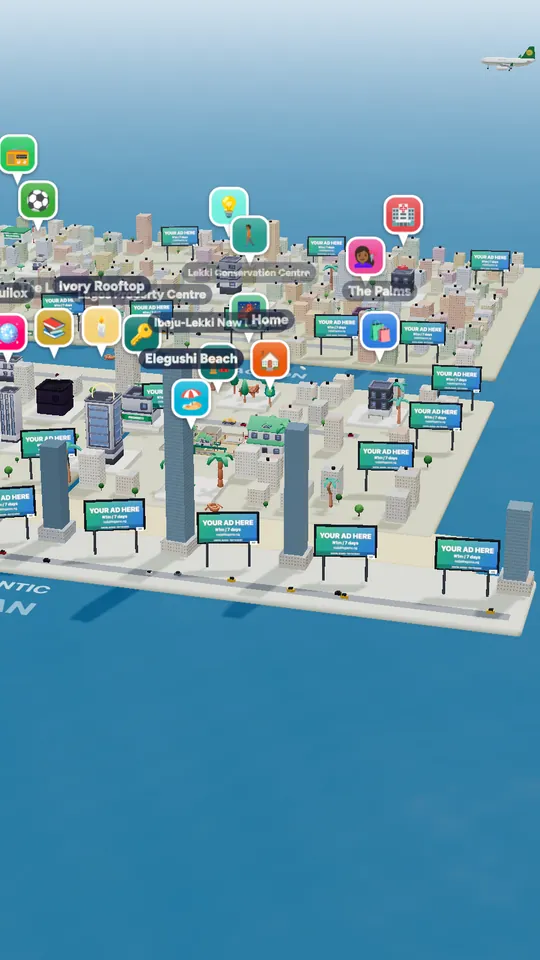
The Lagos life app is Naija Life: a free 3D life simulator that starts in Lagos. It is on Google Play and the App Store, and it also runs in any modern browser, so you can play on a PC or laptop without downloading anything. One account works everywhere.
Official download links
| Device | Link | Cost |
|---|---|---|
| Android phones and tablets | Naija Life on Google Play | Free |
| iPhone and iPad | Naija Life on the App Store | Free |
| PC, laptop, Mac, Chromebook | Play in the browser — no download | Free |
In the stores, search for Naija Life. Download only from these links: an APK from another website is not ours and may not be safe.
What you need
- A phone or computer that can show 3D graphics. Most phones from the last few years are fine; on older ones the game uses lighter scenes.
- An internet connection. Your Sim saves online, and other players live in the same city.
- A free account: username, email, Google, or Apple on iPhone (login help).
Playing on PC
There is no separate PC download. Open naijalifegame.ng/play in Chrome, Edge, Firefox or Safari, sign in, and play with your mouse or keyboard. It is the same game and the same save as the phone apps.
After you install
- Sign up and create your character.
- Pick your home city — Lagos, or any of the 37 cities.
- Follow the beginner tips, find a job and collect the daily gift.
Questions people ask
Where can I download the Lagos life app?
Naija Life is free on Google Play for Android and on the App Store for iPhone and iPad. On PC, play in the browser at naijalifegame.ng/play.
Is the Lagos life app free?
Yes. It is free to download and play, with optional top-ups.
Can I download the Lagos life game on PC?
There is no PC download; the full game runs in your browser with the same account and save.
Is there a Lagos life game APK?
Install it from Google Play. APK files from other websites are not published by us.